
 OpenAI
GPT-6 Astra
For complex reasoning, coding, and end-to-end tasks. Review supported APIs and group access.
ONE GATEWAY · PAY FOR USAGE
Connect OpenAI, Claude, Gemini, and DeepSeek.
Choose a model, compare prices, and start building.
API compatibility and model access depend on your selected group.
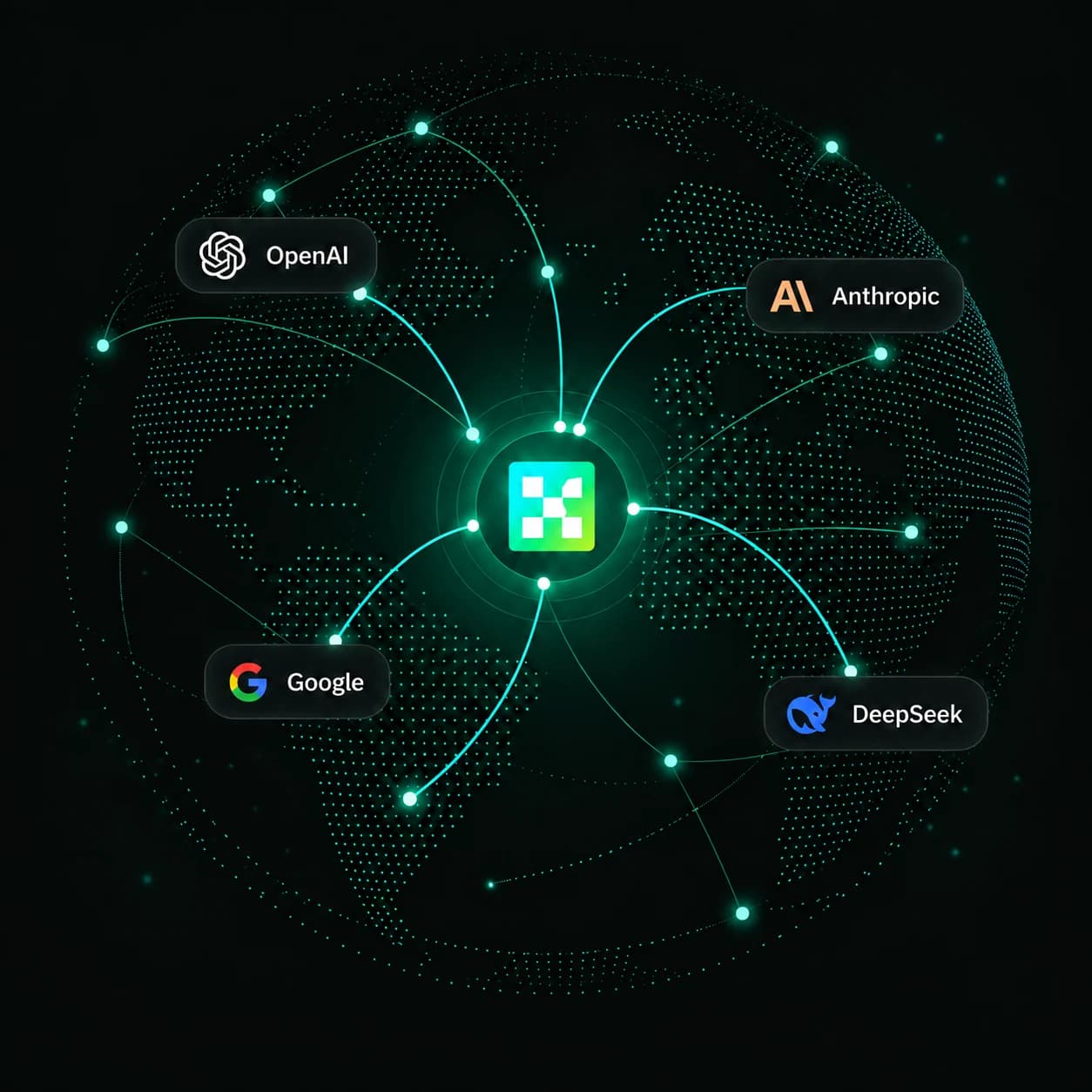
Selected flagship series in our current catalog. Choose by task and supported API.
OpenAIFor complex reasoning, coding, and end-to-end tasks. Review supported APIs and group access.
 Anthropic
For deep analysis, coding, and agent workflows. Choose a compatible API using the documentation.
 Google
An integrated Pro flagship series for multimodal understanding and complex tasks. Currently in preview.
 DeepSeek
Native visual understanding, reasoning, and tool use. Follow the model details to connect.
 Grok (xAI)
For coding, agent tasks, and knowledge work. Review supported APIs and reference prices.
 Qwen
For complex tasks, coding, and agent workflows. Check supported APIs and group configuration.
Model availability follows your selected group. Catalog retrieved: 2026年11月8日 10:33。 Pricing details
Connect supported providers through one gateway. Check each model’s API format before use.
Read the setup guidesBrowse text, image, media, and retrieval models with filters and model details.
Browse the marketplaceCompare input, output, and per-request reference prices. Final billing follows your group.
How billing worksFollow setup guides for Claude Code, Codex, Cursor, and SDKs.
Tool guidesSet your API key and Base URL, then choose an accessible model. Use the guide to check the response and troubleshoot errors.
export TIMROUTER_API_KEY="sk-…"curl https://api.timrouter.com/v1/chat/completions \
-H "Authorization: Bearer $TIMROUTER_API_KEY" \
-H "Content-Type: application/json" \
-d '{
"model": "gpt-5.5",
"messages": [{"role": "user", "content": "Hello!"}]
}'Set TIMROUTER_API_KEY first. Model access and billing depend on your selected group.
Practical setup guides for tools and SDKs. Detailed guides are currently in Chinese.
Register in the console, review available groups and prices, create an API key, and follow the first-request guide.
No. OpenAI-compatible, Anthropic, image, and media APIs have different request formats. Each model detail page links to its supported endpoints and relevant guides.
Token models have separate input and output prices. Other models may bill per request or by task parameters. Reference prices use the lowest publicly configured group; your selected group determines the actual charge.
Use the external console to manage keys, balances, billing, and request logs. The website provides model information and documentation.
Register for an API key, then follow the first-request guide to send your first call.